CODESYS : How to Login & Download a Program to a PLC for Professional Machine Control
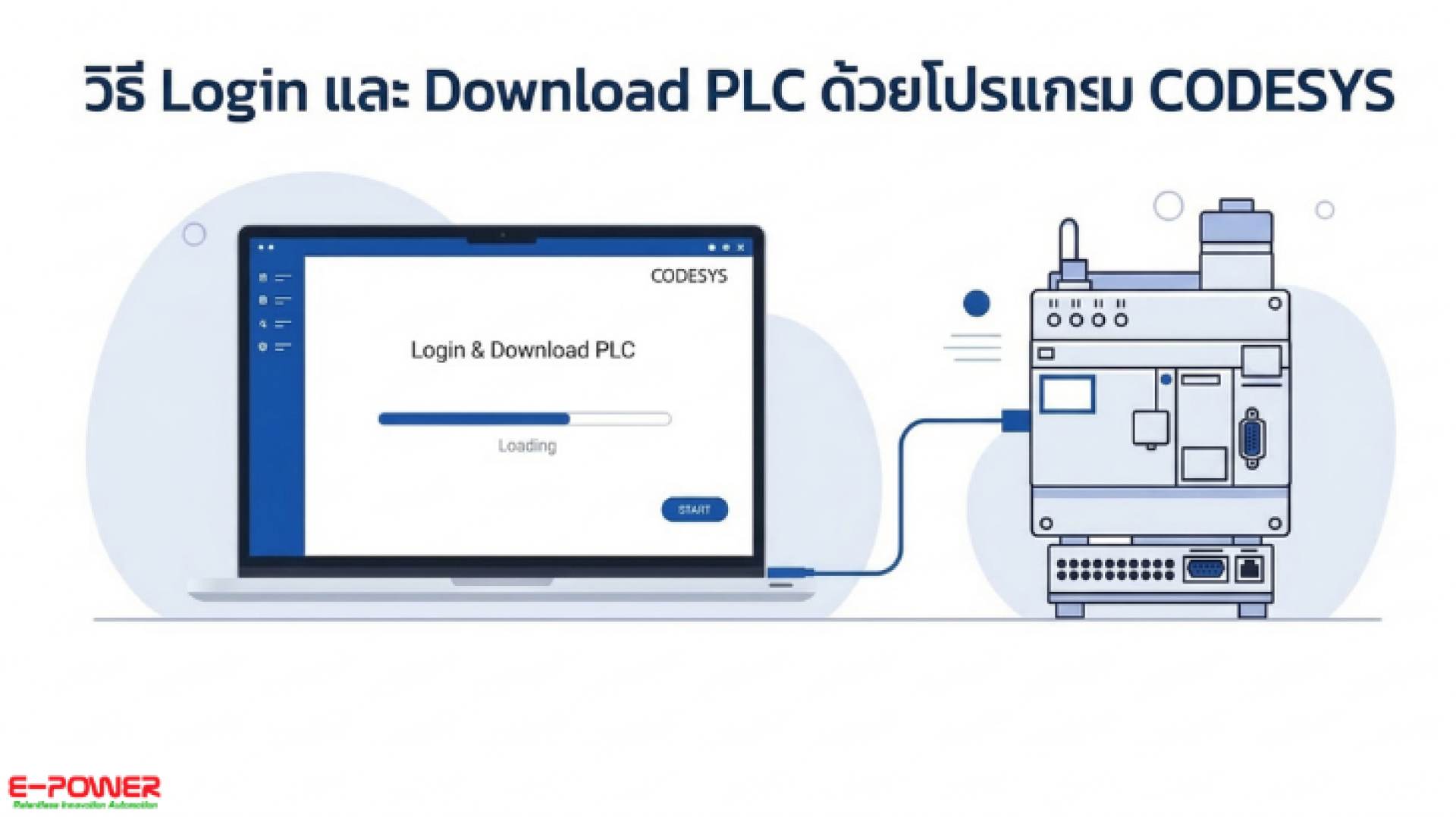
For engineers and Automation beginners using CODESYS software for PLC programming, the most crucial step after writing a Ladder diagram or successfully designing the logic is connecting the software to the hardware (Login) and sending the program to the device (Download).
Many might think this is a complicated process, but in reality, logging in and downloading to a PLC with CODESYS is not as difficult to set up as it seems. Once you understand the steps, you can instantly download the program to the device and run the system.
⚙️ Basic Steps for Login & Download via CODESYS
- Compile / Build the Program: Check the code for accuracy to ensure there are no errors.
- Scan Network (Communication Settings): Search for and configure the connection between your computer and the PLC.
- Click Login: The software will connect to the PLC. (If the program on the device does not match the one on your computer, the system will prompt you to confirm the Download).
- Download & Run: Confirm to load the program into the PLC, then click Start (Run) to make the machine operate according to your written logic.
Join Our Automation Lovers Community
For those interested or working in PLC, Automation, and CODESYS, we have a Facebook group for exchanging knowledge, experiences, programming techniques, and troubleshooting. You can join the discussion and share insights for free right here: CODESYS AI & Robotics Developer Community
Consult with Automation Control Experts If you are looking for Smart Factory and IoT solutions, or want to upgrade the Industrial Automation system in your plant, E-Power Service has an expert engineering team ready to provide consultation, recommend equipment, and design systems that best meet your operational needs.
For more information or system consultation, please contact us:
Website: www.epower.co.th
LINE Official ID: @epower
YouTube: Epower Service
TikTok: @epowerservice_
Email: info@epower.co.th
Phone: 081-559-5145 (Sales Engineer, E-Power Service Co., Ltd.)