CODESYS : How to Map PLC Input/Output for Precision Control Systems
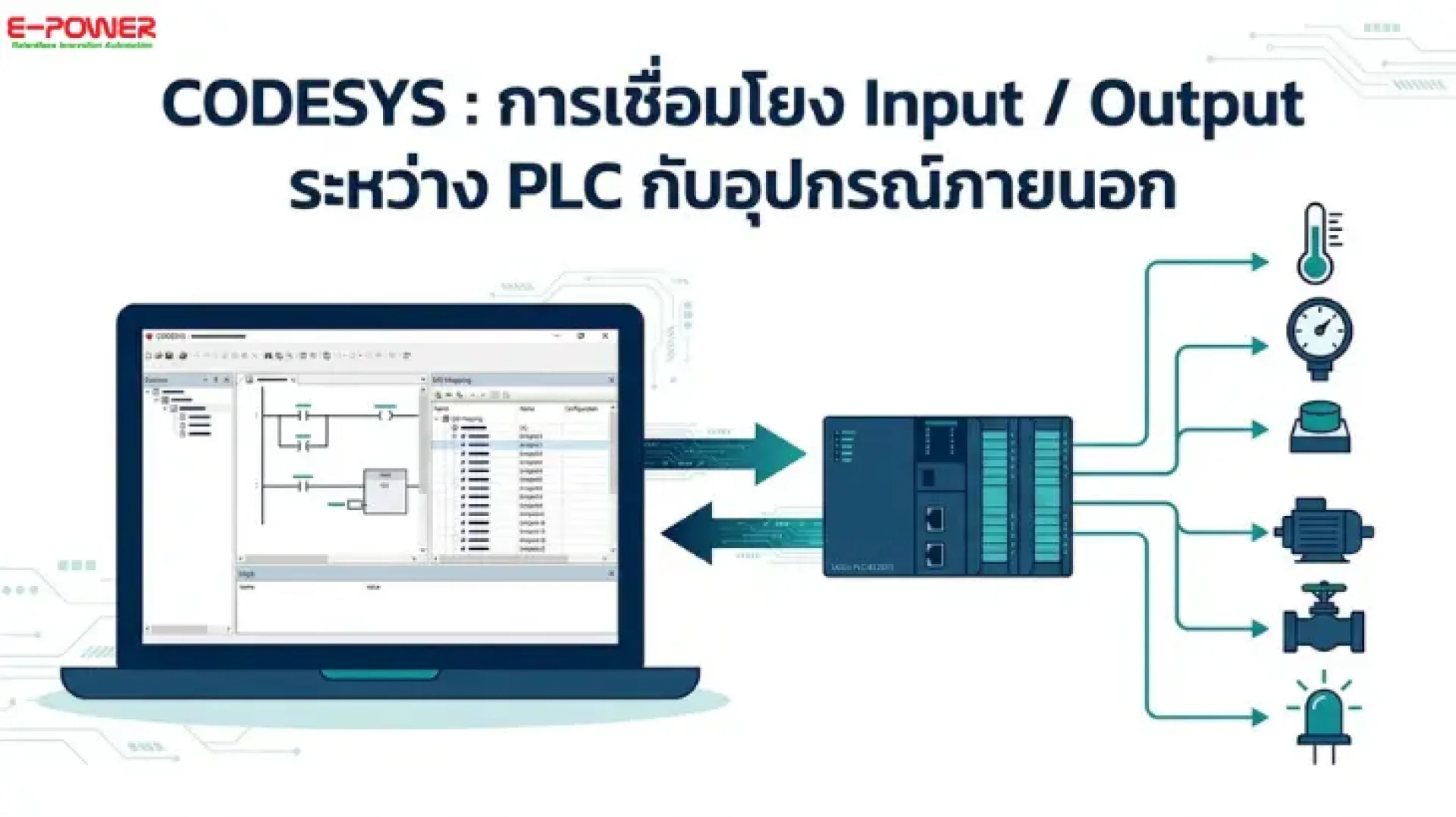
CODESYS is a world-class PLC programming software (IEC 61131-3) designed to perfect industrial automation systems. A critical step that cannot be overlooked is "Mapping Input/Output between the PLC and external devices" to ensure the control system operates accurately. Incorrect I/O configuration can directly lead to machine failure or inefficiency.
Today, E-Power Service will guide you through the correct way to verify and map I/O using CODESYS software. We will use the LicOS EC201S PLC as our hardware example in this step-by-step tutorial.
Steps to Verify and Map PLC I/O via CODESYS
1. Create a New Project
- Launch the CODESYS software.
- Click on New Project.
- Name your project and set the file location for storage.
2. Configure Hardware and Programming Language
- In the Device field, select LicOS-PLC-EC201S (E-Power’s high-performance PLC).
- For the Programming Language, select Ladder Logic Diagram (LD) and click OK.
3. Connect the PLC to your Computer (PC)
- In the left-hand pane, double-click on Device (you will notice it is currently disconnected).
- Click the Scan Network button to search for the PLC on your network.
- Once the PLC’s IP address appears, select it and click OK.
- If a prompt appears, check "Remember my decision" and select No. Your PC and PLC are now connected.
4. Configure I/O Mapping
- In the device tree on the left, click on LicOS_BIOM.
- Select the BIOM I/O Mapping tab.
- Click the arrow or plus symbol (+) to expand and view all variables.
- In the Always update variables column (bottom right), set the value to Enabled 1.
5. Download and Test
- Go to the top menu bar and click Login.
- The system will ask for confirmation to download the program to the PLC; click Yes.
- Once the download is complete, click the Play (Start) button to run the system.
- Logout and then Login once more to refresh the status.
- Done! You can now trigger signals to monitor the real-time status of PLC Inputs and Outputs directly within the CODESYS software.
Elevate Your Control System with Ecloud IoT
Once your PLC and I/O are configured, LicOS EC201S users can seamlessly integrate their system with the E-Power IoT Platform. This allows for easy connection with Haiwell HMI touchscreens or Cloud Boxes.
Key Highlights:
- Receive machine status notifications via LINE and Telegram.
- Log data directly to Google Sheets for free!
- No complex programming required and no monthly/annual subscription fees.
- The perfect solution for Smart Farming and Factory Automation.
Join Our Community
Are you interested in PLC, Automation, and CODESYS? We have a Facebook group for exchanging knowledge, experiences, and technical tips. Join us to discuss and share insights! Join Group: CODESYS AI & Robotics Developer Community