How to Use CODESYS Simulation : A Simple Guide to Creating POUs and Testing PLC Programs
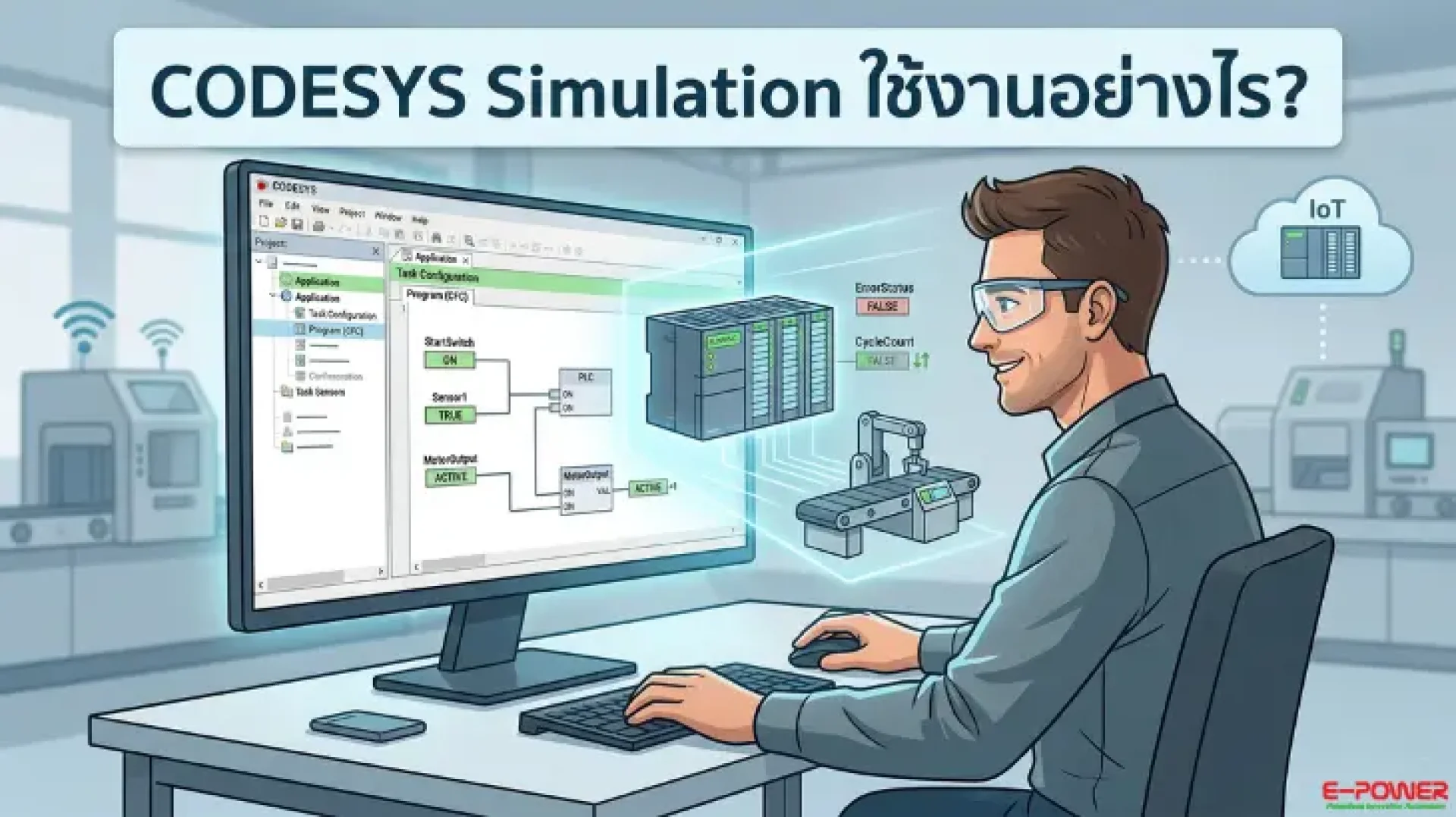
In modern industrial automation, CODESYS is a powerful software widely used by engineers to program machinery in Smart Factories, connect Industrial IoT networks, and even develop complex control systems like Smart Farming. Testing your program before actual deployment is an essential step.
The CODESYS Simulation function is a key feature that allows you to simulate PLC operations without requiring physical hardware. This significantly reduces errors and saves time. In this article, E-Power Service provides a step-by-step guide on how to create a POU (Program Organization Unit) and activate Simulation mode.
Steps to Use CODESYS Simulation and Create a POU
To run a simulation, you must first correctly create and configure your POU as follows:
1. Create a New Program (Create POU)
- Go to the Application menu in the project tree.
- Right-click and select Add Object > POU.
- Name your program and select your preferred programming language (the video example uses CFC or Continuous Function Chart), then click Add.
2. Write the Program
- Once the POU window opens, complete your program logic using various CFC function blocks.
- Click the Combine (Build) button to verify your code for initial errors.
3. Critical Step: Adding POU to Task Configuration
- A common issue is being unable to "Run" the program; the main reason is often that the POU has not been assigned to a task.
- The Fix: Drag & Drop your newly created POU file into the Task Configuration section.
- After placement, click the Combine button again.
4. Simulation Mode (Login & Play)
- Click the Login button and select Login with download to load the simulated program into the system.
- Click the Play (Start) button to begin the program execution.
- You can test your logic by changing variable values and using the shortcut Ctrl + F7 to Force Value. If the output is correct, your program is ready for use.
Watch the CODESYS Simulation Demonstration
To see these steps in action, watch this short video tutorial by E-Power Service. Watch on YouTube: Epower Service
Join Our Automation Developer Community
For those interested in PLC, Automation, and CODESYS, we have a Facebook group to exchange knowledge, experiences, and advanced techniques.
Join Facebook Group: CODESYS AI & Robotics Developer Community
For more information on products and services, contact us at:
- Website: www.epower.co.th
- LINE ID: @epower
- Youtube: Epower Service
- Tiktok: epowerservice_
- Email: info@epower.co.th
- Phone: 081-559-5145 (Sales Engineer, E-Power Service Co., Ltd.)