CODESYS : How to Create XML Files Part 1
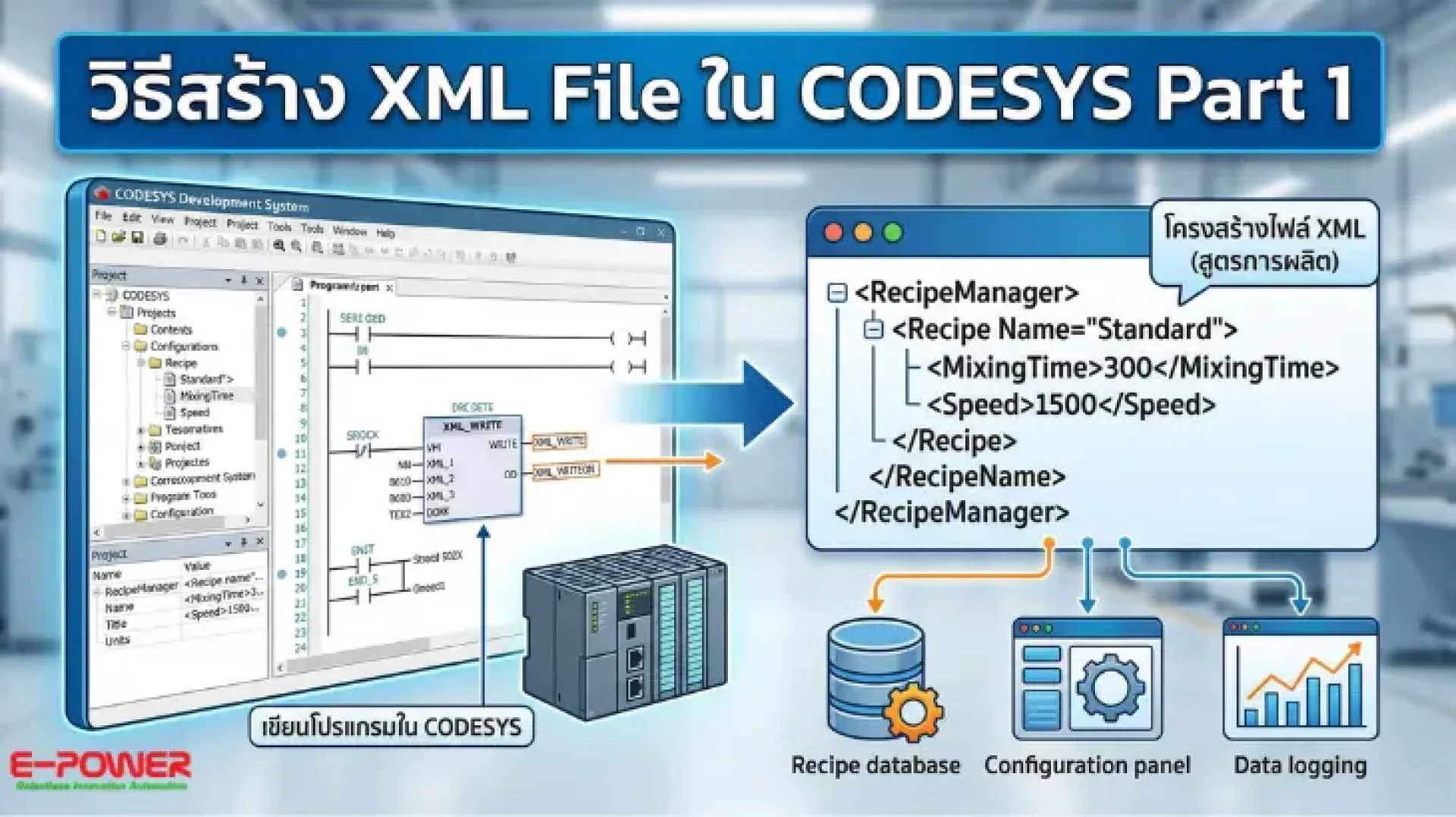
CODESYS is the world’s most popular platform among engineers for modern Industrial Automation. At its core lies efficient data management and exchange between devices. Specifically, using XML (Extensible Markup Language) allows for structured data storage that is easily readable by both humans and machines.
E-Power Service Co., Ltd., a leader in intelligent control solutions, is proud to share advanced CODESYS programming techniques. This guide will help you understand the fundamental steps of creating XML files for critical applications such as Recipe Management, Configuration settings, and Data Logging within a Smart Factory environment, ensuring global standards and high efficiency.
Why Create XML Files in CODESYS?
Integrating XML files with PLC Programming offers several advantages that enhance system professionalism:
- High Flexibility: Capable of storing complex data with diverse structures effectively.
- Global Standards: XML is a universal format, enabling seamless data transfer to IT systems, ERPs, or Cloud platforms.
- Reduced PLC Load: Storing specific data in external files optimizes controller memory management.
Start Learning with E-Power Service
For engineers and Industrial Control System enthusiasts, you can watch our concise, easy-to-follow video demonstration here:
Join Our Automation Engineering Community
If you are looking for PLC and CODESYS techniques or want to exchange experiences in automation design, we invite you to join our Facebook group: CODESYS & Automation Thailand.
Interested in Automation Solutions and Engineering Consultation?
Our team of expert engineers is ready to provide comprehensive consultation on Sensor systems, IoT, and Industrial Automation.
- Website: www.epower.co.th
- Phone: 081-559-5145 (Sales Engineer, E-Power Service Co., Ltd.)
- LINE: @epower
- YouTube: Epower Service